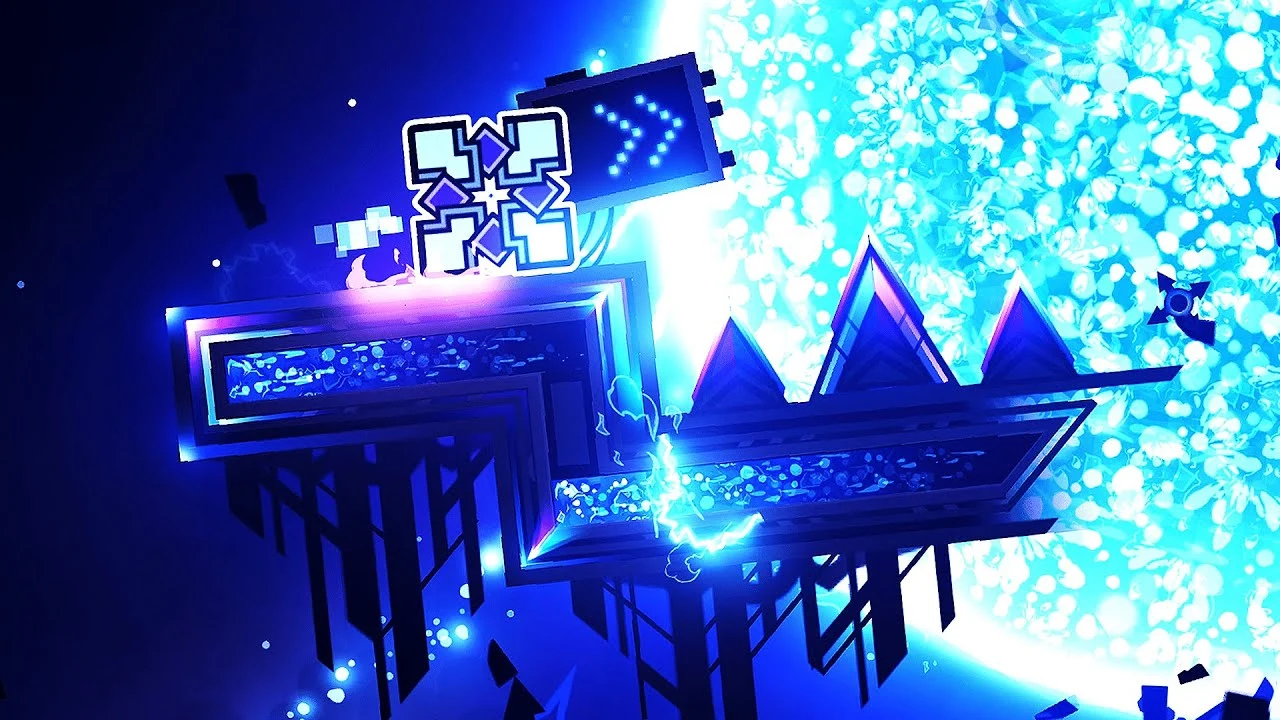
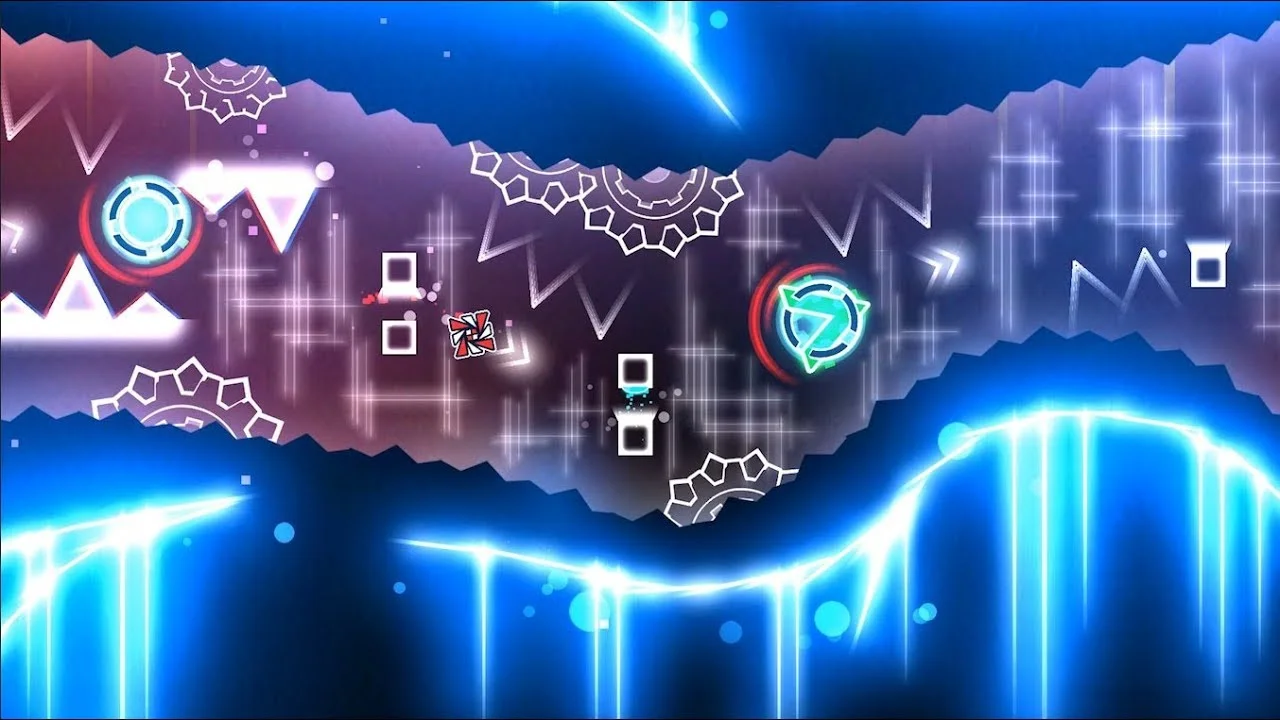
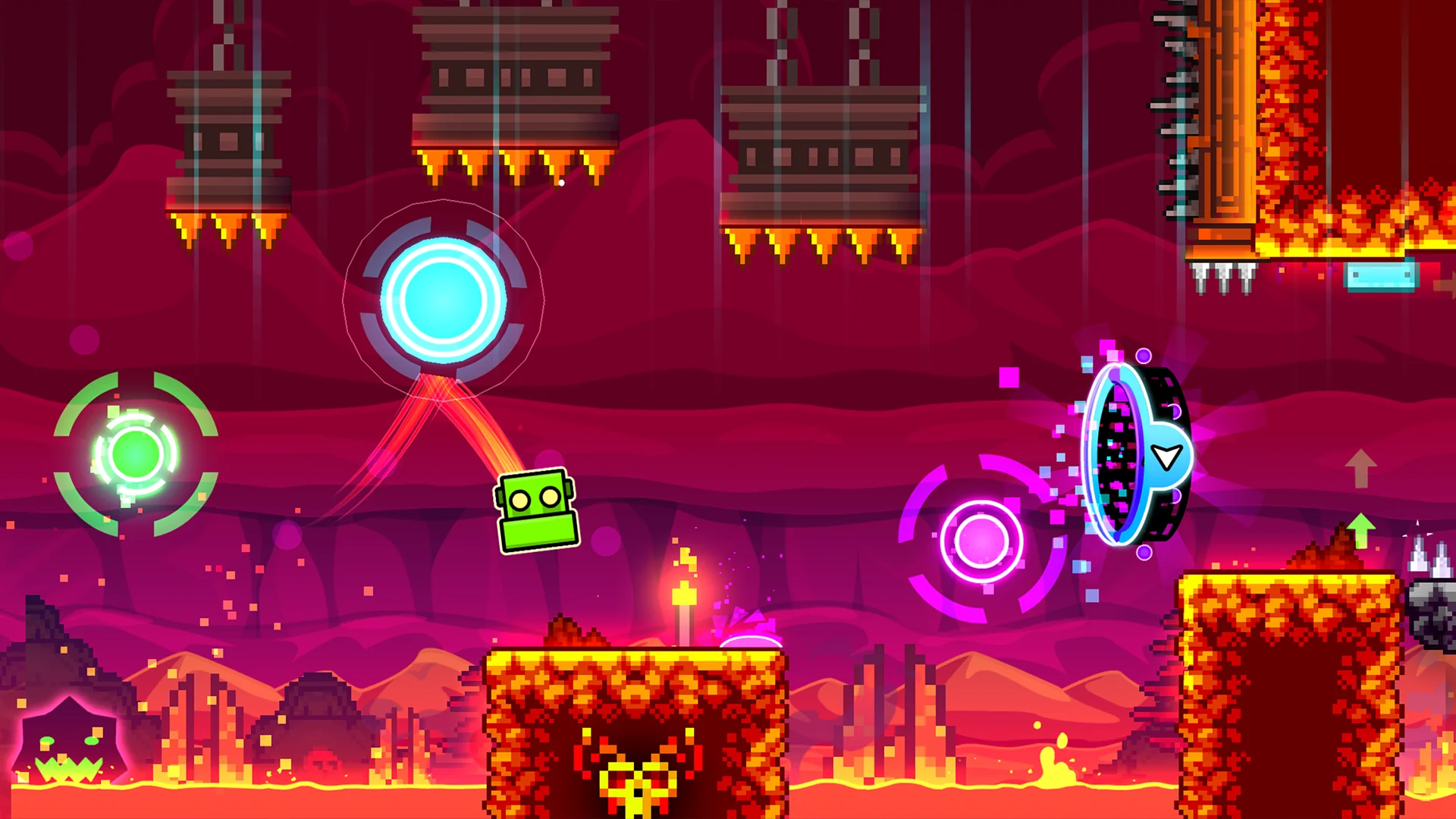
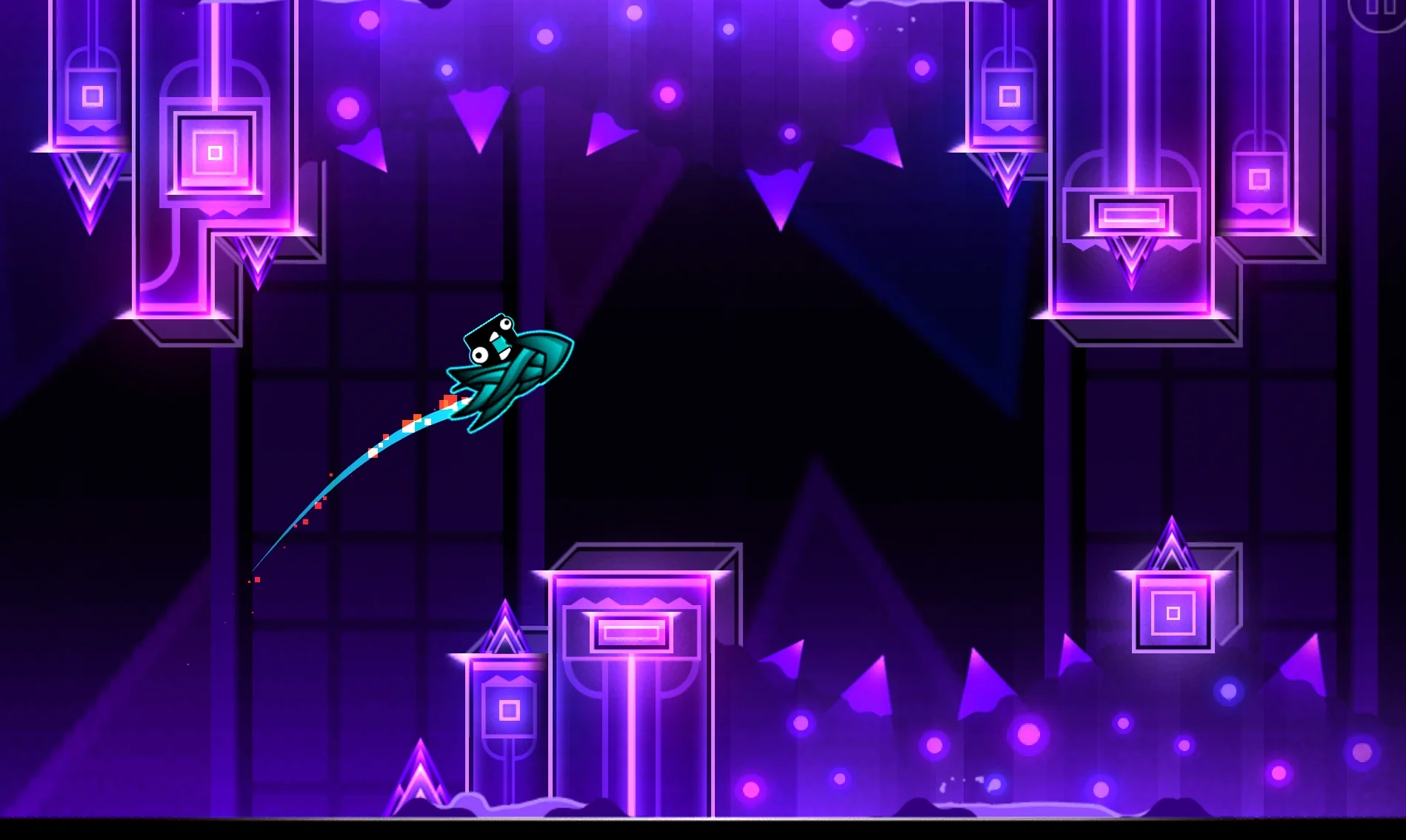
One of the largest private servers: its own levels, players, tops and moderators. Seven other servers have joined it over the years, and everything players made is still here.
Private servers come and go, and the levels built on them are lost with them. GDVS has stayed, and everything players made over the years is still here.
In that time the server has been through new owners, a rebrand, DDoS attacks and a war, and it's still running.
SKGD, GoodGame Dash, GD Rush, XGDX, Chrome GDPS, VXTPS and NelisPS. Their players and levels are on GDVS now.
That's how many times players have opened levels on the server over the years. The most popular level has been downloaded over 50,000 times.
Mergers, rebrands, moves to new game versions. This is how GDVS got here.
The server opens
Over 1,000 players on the server
1lya_sample buys the project
Rebrand to SpacePixel and a new server
Merger with GoodGame Dash and SKGD
The admins break the server, many players leave
A wave of DDoS attacks, the server is unstable
The GDVS name comes back
Musebase grows out of the GDVS tracks
Full-scale war in Ukraine, the server stalls
VOIDSERVER goes beyond GD
GDVS data up to summer 2019 is restored
Yurba grows out of MuseBase
Merger with Chrome GDPS (XGDX and GD Rush)
A new core in Python, the server is rewritten
Merger with VXTPS by MrYer
Move to Geometry Dash 2.2
Data moved over from NelisPS
The server moves to running as a Geode mod
GDVS is a Geometry Dash world of its own. It has its own levels and its own player and creator tops, and the daily levels, map packs and gauntlets come from what the community made.
The server's moderators rate levels by open rules: you know in advance what each rating expects from a level and how many Creator Points it brings.
Want your levels to be seen and a place in the top to be within reach? Then GDVS is for you.
Rating criteriaopen_in_newGDVS works as a Geode mod, so you play in your own copy of Geometry Dash.
Install the game from Steam or update it to the latest version.
Install the game from Google Play or update it to the latest version.
Install the game from Steam or update it to the latest version.
Geometry Dash on Steamopen_in_new Geometry Dash on Google Playopen_in_new Geometry Dash on Steamopen_in_newDownload the Geode installer and run it. It finds the Steam game by itself.
Install Geode Launcher. It starts your game with mods.
Download the Geode installer for macOS and run it.
Download Geodeopen_in_newDownload the mod file and put it in the mods folder:
Geometry Dash\geode\mods
Android/media/com.geode.launcher/game/geode/mods
~/Library/Application Support/GeometryDash/geode/mods
Restart the game, open the settings, the «Account» section, and log in with your GDVS account.
Create an accountarrow_forwardinfoTo go back to the official servers, turn the mod off in Geode and restart the game.
Yes. GDVS works as a mod that moves the online side of your game to our server. You need the latest version of the game from Steam or Google Play.
Yes. All accounts, levels and stats are still here: log in in the game with the same name and password. If you forgot the password, reset it on this site.
Your official account and your GDVS account are separate, and the mod doesn't touch the official one. To keep progress apart, save it on the official server with the Save button in the account settings before you first log in to GDVS.
Turn off the GD VoidServer mod in the Geode mod list and restart the game. Turn it back on, and the game returns to GDVS.
Upload it to the server. The moderators go through new levels and rate the ones that meet the rating criteria. There's no need to ask for a rating.
Open the track on yurba.one/musebase and copy its ID, the part of the address after /track/, e.g. t.2hooyGUAuw3YHBIx. Then open the song picker in the level editor, paste the ID and press Search.
Nothing. GDVS is free: we charge neither for playing nor for rating levels.
Create an account, install the mod and join the GDVS players.